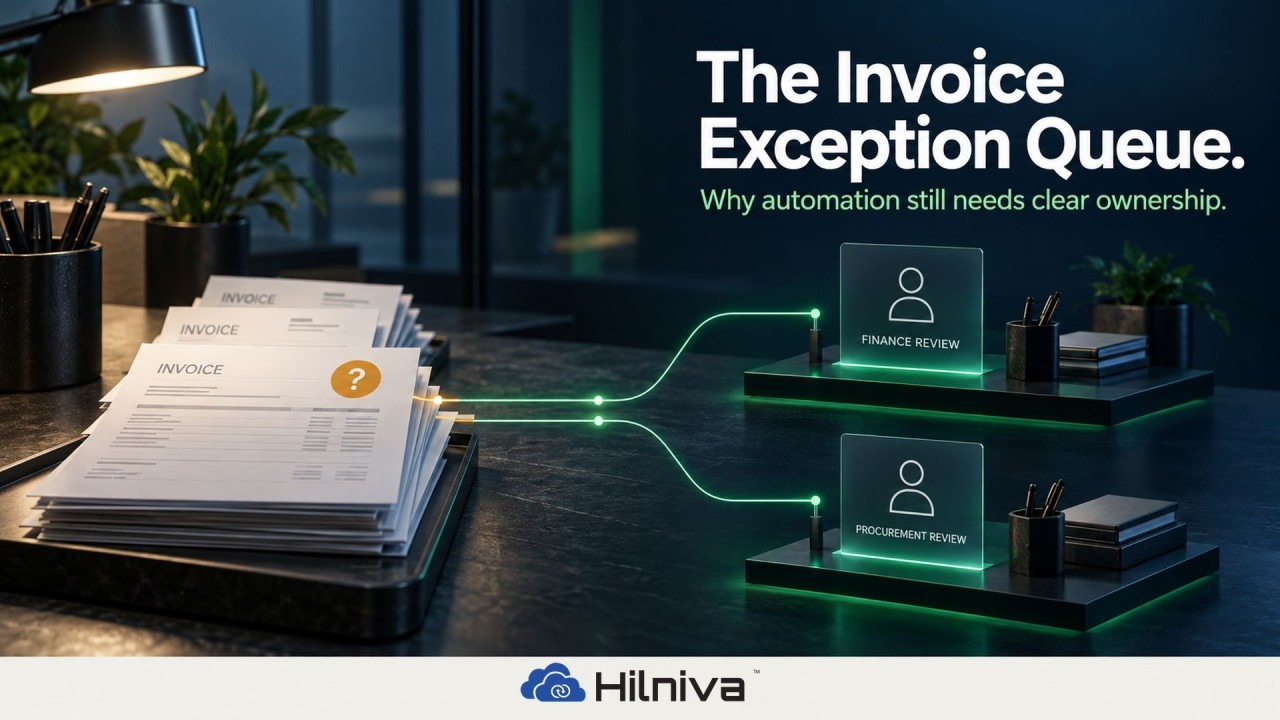
An invoice can be captured correctly and still be nowhere near ready for payment.
The supplier is recognised. The invoice number and total have been read. But the billed quantity does not match the goods receipt, or the price differs from the purchase order. The system pauses the invoice, exactly as a financial control should.
The next question is not whether automation worked. It is whether anyone knows what happens next.
The Gap After Detection
Consider an illustrative example: a supplier bills for a complete shipment, but the warehouse has recorded only part of the delivery. Accounts Payable sees the mismatch. Procurement needs to confirm the commercial position. The receiving team needs to check what actually arrived.
If the exception is passed around through forwarded emails without a clear owner, a useful control becomes a waiting room. The invoice has been flagged, but the underlying issue remains unresolved.
That is the invoice exception queue: work that technology has correctly stopped, but the organisation has not yet moved forward.
Where the Work Gets Stuck
1. Unclear Responsibility
A quantity discrepancy may need a receiving check; a price discrepancy may need procurement. Asking AP to solve every issue alone can add another handoff.
2. Repeated Investigation
When the invoice, purchase order, receipt and previous discussion sit in different places, each person may start the same investigation again.
3. Pressure to Bypass the Control
An approaching due date can turn a routine discrepancy into an urgent request to approve first and investigate later. A faster payment is not a better outcome if the underlying issue is still open.
Build the Resolution Path, Not Only the Alert
A practical exception process should make four things clear:
- What failed during invoice validation.
- Which records support the finding.
- Who owns the next action.
- What evidence is needed before processing resumes.
That requires an operating policy as well as software. Teams need agreed responsibilities for price, quantity and missing-document issues, with an escalation path when the owner cannot resolve them.
The goal is not to remove every pause. Some pauses protect the business. The goal is to make each necessary pause understandable, accountable and reviewable.
How Hilniva Supports Controlled Automation
Hilniva Payable reads supplier invoices from PDFs, checks for issues such as duplicates and missing purchase orders, and runs three-way matching against the records and rules configured by the business.
When a match fails, processing pauses and AP staff are told what needs attention. Approval workflows follow company policy. Once the required validations are complete, the AP invoice can be created for payment, with posting to Hilniva ERP or a connected ledger through Hilniva Connector.
The audit trail records captures, matches, approvals and changes. The business still needs to define who resolves each type of exception and which decisions require human approval.
Useful automation moves routine work forward while keeping unresolved differences visible. It does not make an unresolved difference disappear.
Final Thought
When an invoice fails a match in your business, is the next owner clear, or does the investigation begin again in someone's inbox?